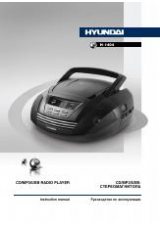
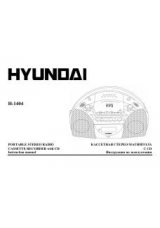
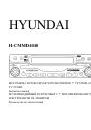
Инструкция для Hyundai H-CMMD4040
 1
 2
 3
 4
 5
 6
 7
 8
 9
 10
 11
 12
 13
 14
 15
 16
 17
 18
 19
 20
 21
 22
 23
 24
 25
 26
 27
 28
 29
 30
 31
 32
 33
 34
 35
 36
 37
 38
 39
 40
 41
 42
 43
 44
 45
 46
 47
 48
 49
 50
 51
 52
 53
 54
 55
 56
 57
 58
 59
 60
 61
 62
 63
 64
 65
 66
 67
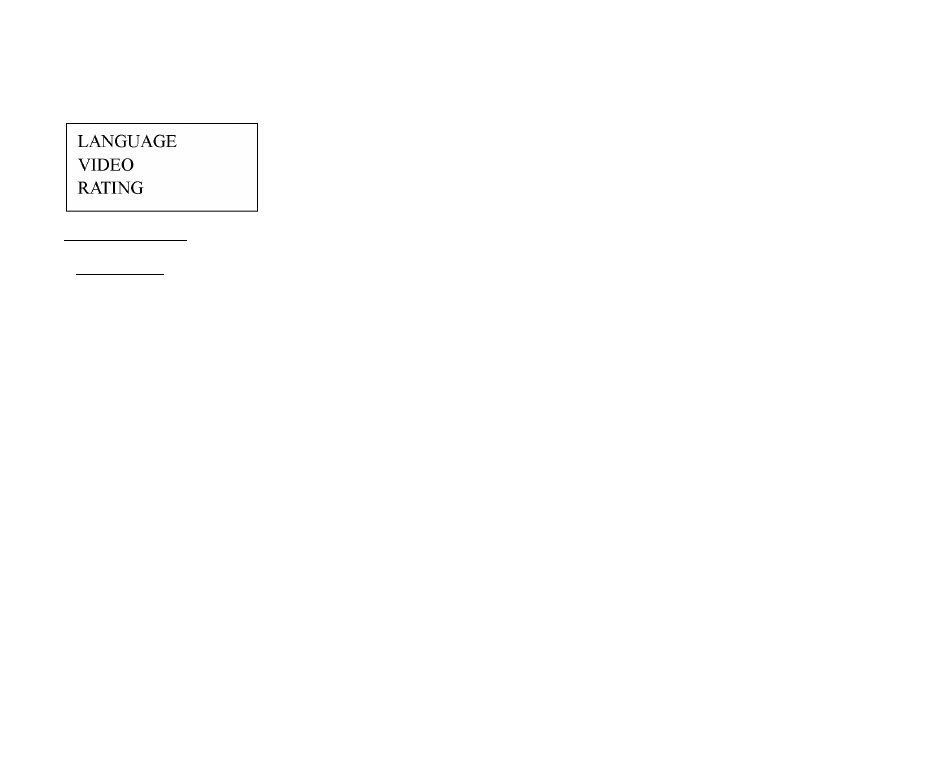
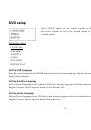
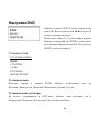
DVD setup
Press SETUP button on the remote control to display DVD setup screen. Use
the cursor buttons to select the desired option or item. Press ENTER button to
confirm option.
Language setup
LANGUAGE
OSD MENU
SUBTITLE
AUDIO
DVD MENU
RESUME PLAY
Setting OSD Language
Press the cursor button and the ENTER button to select the desired language: English, German, French, Spanish,
Italian, Dutch, Russian.
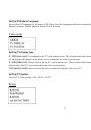
Setting Subtitle Language
Select a kind of language for the subtitle of DVD disc from the languages which are contained in the DVD disc:
English, German, French, Spanish, Italian, Dutch, Russian, Off.
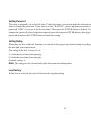
Setting Audio Language
Select a kind of language for the DVD disc audio from the languages which are contained in the DVD disc:
English, German, French, Spanish, Italian, Dutch, Russian.
26
Оглавление инструкции
- HYUNDAI
- Installation opening
- Using the ISO Connector
- Front panel
- Remote control
- Reset the unit
- Power button
- Volume control
- Setting the sound characteristics
- Mute control
- Mode control
- ST selector
- Adjust angle
- Screen setting
- Open TFT screen
- Setting Knob (Multi-functional Key)
- Band selection
- Manual/ automatic tuning
- Programming tuner stations
- AMS (Auto Memory Store) function
- AF (Alternative Frequencies) function
- TA (Traffic Alarm) function
- PTY (Program Type)
- EON (Enhanced Other Networks)
- Local/Distance Control
- TV tuning (only when TV antenna is connected)
- PBC (PlayBack Control)
- Title
- Chapter
- Track
- Discs for playback
- Loading a disc
- Playing/ pausing
- Pause
- STOP
- Playing the previous/ next track
- Scanning forward and backward
- Repeat playback
- Random playback (for CD/VCD/MP3 discs)
- Intro playback (for CD/VCD discs)
- GOTO function
- PBC (Playback Control) function (for VCD only)
- MENU selector
- System switch
- Selecting different audio modes
- Changing the subtitle language (for DVD only)
- On-screen display
- Using the TITLE (for DVD only)
- Changing angle (for DVD only)
- Changing size
- Language setup
- Video setup
- Rating
- Remove the panel
- Remove the unit
- Cleaning the cabinet
- Cleaning discs
- Использование разъема ISO
- Передняя панель
- Пульт управления
- Сброс установок
- Кнопка включения питания
- Регулировка громкости
- Регулировка настроек аудио и видео
- Выключение звука
- Выбор режима работы
- Выбор режима аудио
- Выбор угла поворота дисплея
- Выбор формата экрана
- Открытие дисплея
- Многофункциональная кнопка SEL
- Выбор диапазона
- Ручной/ автоматический поиск радиостанций
- Программирование радио станций
- Функция автоматического сохранения станций в памяти
- Функция AF (Альтернативные частоты)
- функция TA (поиск программ о дорожном движении)
- Функция PTY (Тип программы)
- функция EON (расширенный диапазон)
- Контроль местного/удаленного приема
- Настройка ТВ (только при подключенной ТВ антенне)
- РВС (управление воспроизведением)
- Заголовок
- Глава
- Трек
- Диски для воспроизведения
- Загрузка дисков
- Воспроизведение
- Пауза
- Стоп
- Переход к предыдущему или следующему треку
- Ускоренное воспроизведение вперед или назад
- Повтор воспроизведения
- Случайное воспроизведение (только для дисков CD/VCD/MP3)
- Функлия Intro (только для CD/VCD)
- функция перехода GOTO
- PBC (Управление воспроизведением) (только для VCD дисков)
- Работа с меню
- Выбор системы видео
- Выбор различных звуковых режимов
- Изменение языка субтитров (только для DVD дисков)
- Отображение информаиии на дисплее
- Использование заголовков (только для DVD дисков)
- Изменение угла (только для DVD дисков)
- Изменение масштаба изображения
- Установка языка
- Настройки видео
- Настройки контроля
- Снятие панели
- Съем изделия
- Чистка корпуса
- Чистка дисков